Note
Access to this page requires authorization. You can try signing in or changing directories.
Access to this page requires authorization. You can try changing directories.
This article describes how you can configure Azure Database for PostgreSQL server storage to grow without affecting the workload.
For servers with more than 1 TiB of provisioned storage, the storage autogrow mechanism activates when the available space is less than 10% of the total capacity or when the available space is less than 64 GiB. The smaller of the two is the value that determines when autogrow activates. Conversely, for servers with storage under 1 TiB, this threshold is adjusted to 20% of the total capacity or when the available space is less than 64 GiB. Again, picking the smaller of the two values.
As an illustration, take a server with a storage capacity of 2 TiB (greater than 1 TiB). In this case, the autogrow limit is set at 64 GiB. This choice is made because 64 GiB is the smaller value when compared to 10% of 2 TiB, which is roughly 204.8 GiB. In contrast, for a server with a storage size of 128 GiB (less than 1 TiB), the autogrow feature activates when there's only 25.8 GiB of space left. This activation is based on the 20% threshold of the total allocated storage (128 GiB), which is smaller than 64 GiB.
The process of scaling storage is performed online, without causing any downtime, except when the disk size needs to cross the border of 4,096 GiB. This exception is a limitation of Azure managed disks. In that case, the automatic storage scaling activity isn't triggered, even if storage autogrow setting is enabled for the server. In such cases, you need to scale your storage manually. In this scenario (reaching or crossing the 4,096 GiB boundary), manual scaling is an offline operation. We recommend scheduling this task to align with your business needs. All other operations can be performed online. Once the allocated disk size is 8,192 GiB or higher, storage autogrow triggers again automatically and every subsequent storage grow operation is performed online until the disk allocated reaches its maximum growing capacity, which is 32,768 GiB.
Note
Azure Database for PostgreSQL only supports the storage autogrow feature on storage type Premium SSD.
Storage always doubles in size for premium disk SSD, and that doubles the storage cost.
Only premium SSD V2 supports more granular disk size increase.
Steps to enable storage autogrow for existing servers
Using the Azure portal:
Select your Azure Database for PostgreSQL flexible server instance.
In the resource menu, under the Settings section, select Compute + storage.
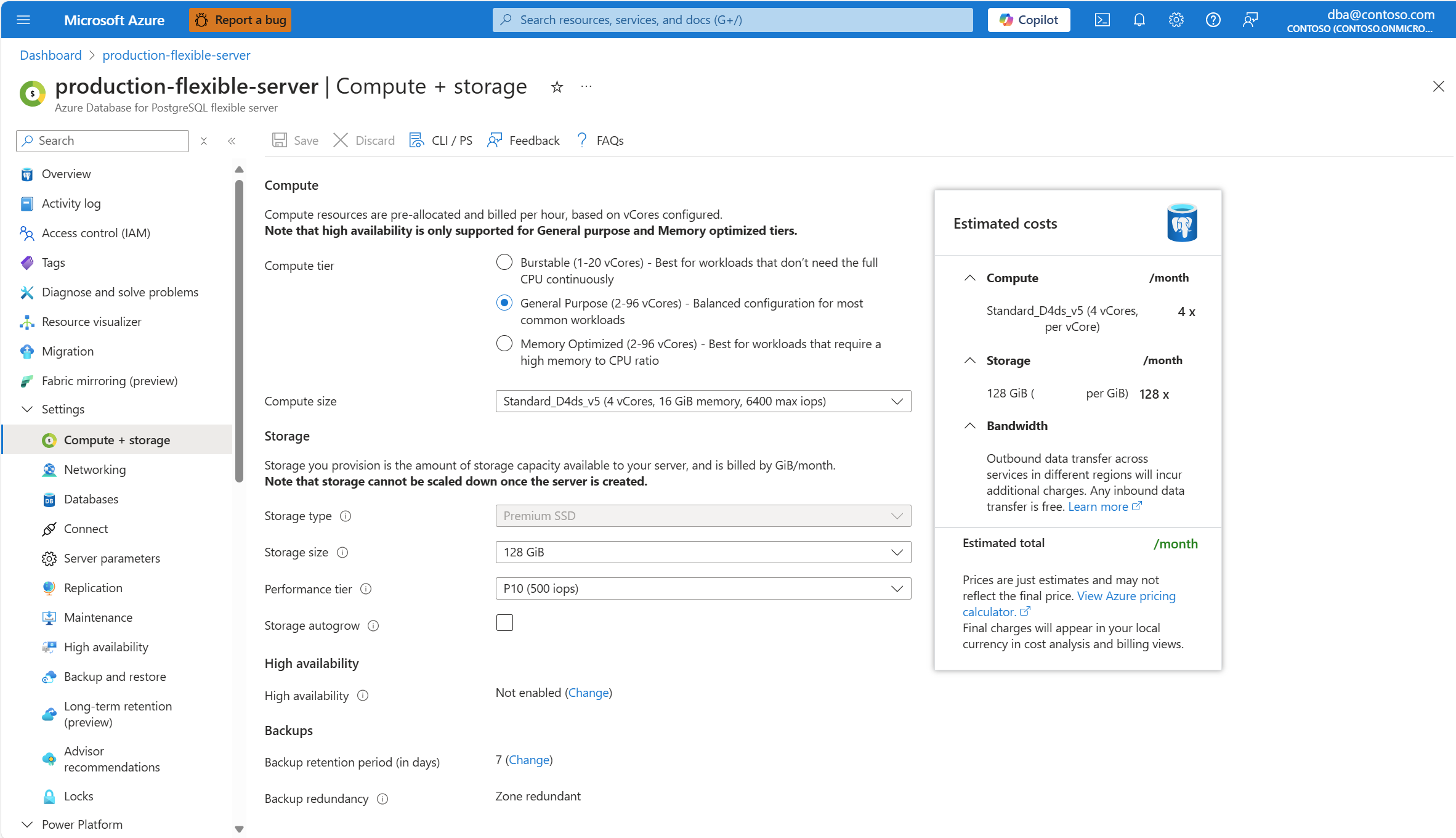
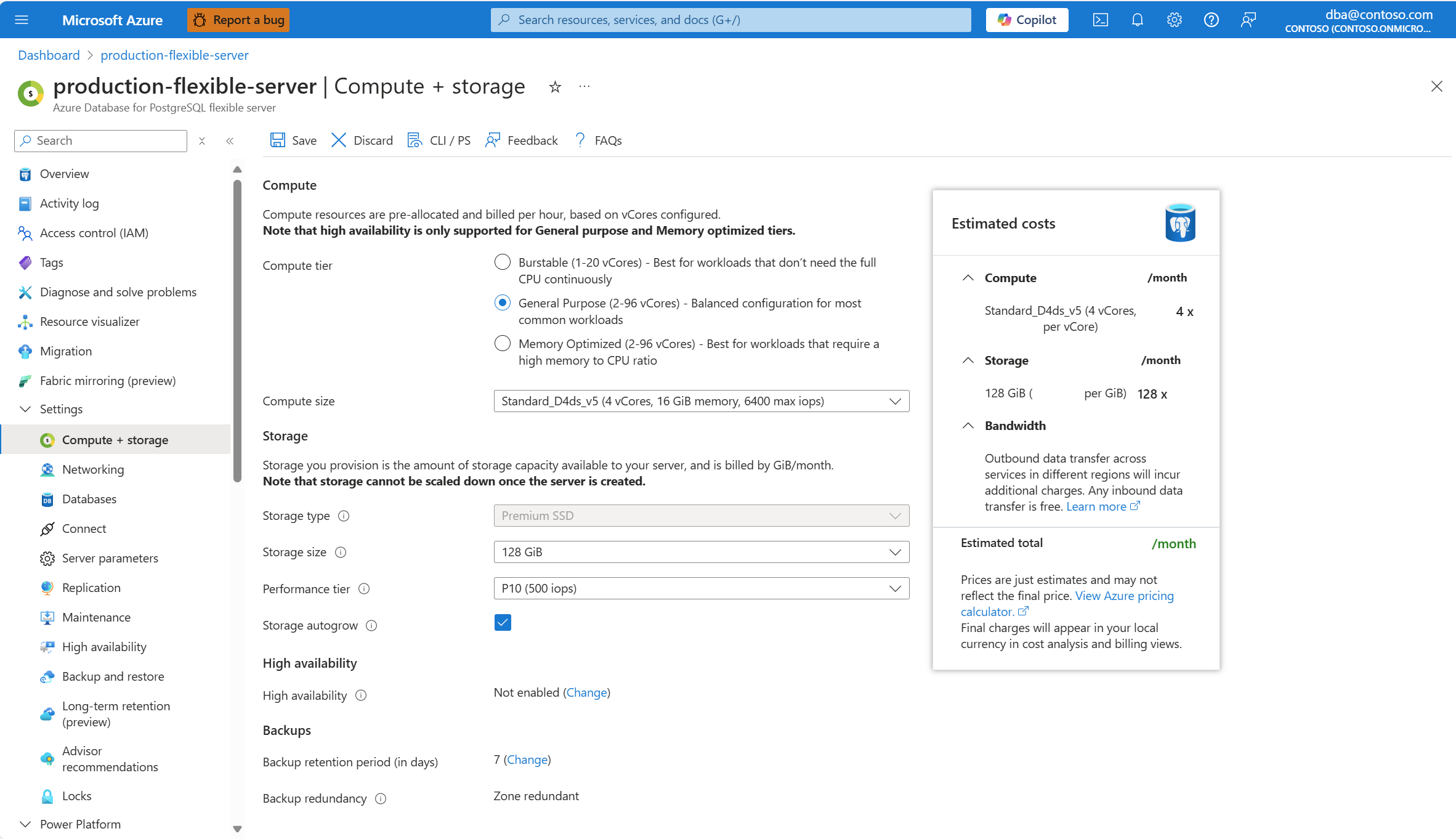
In the Storage section, enable the Storage autogrow checkbox.
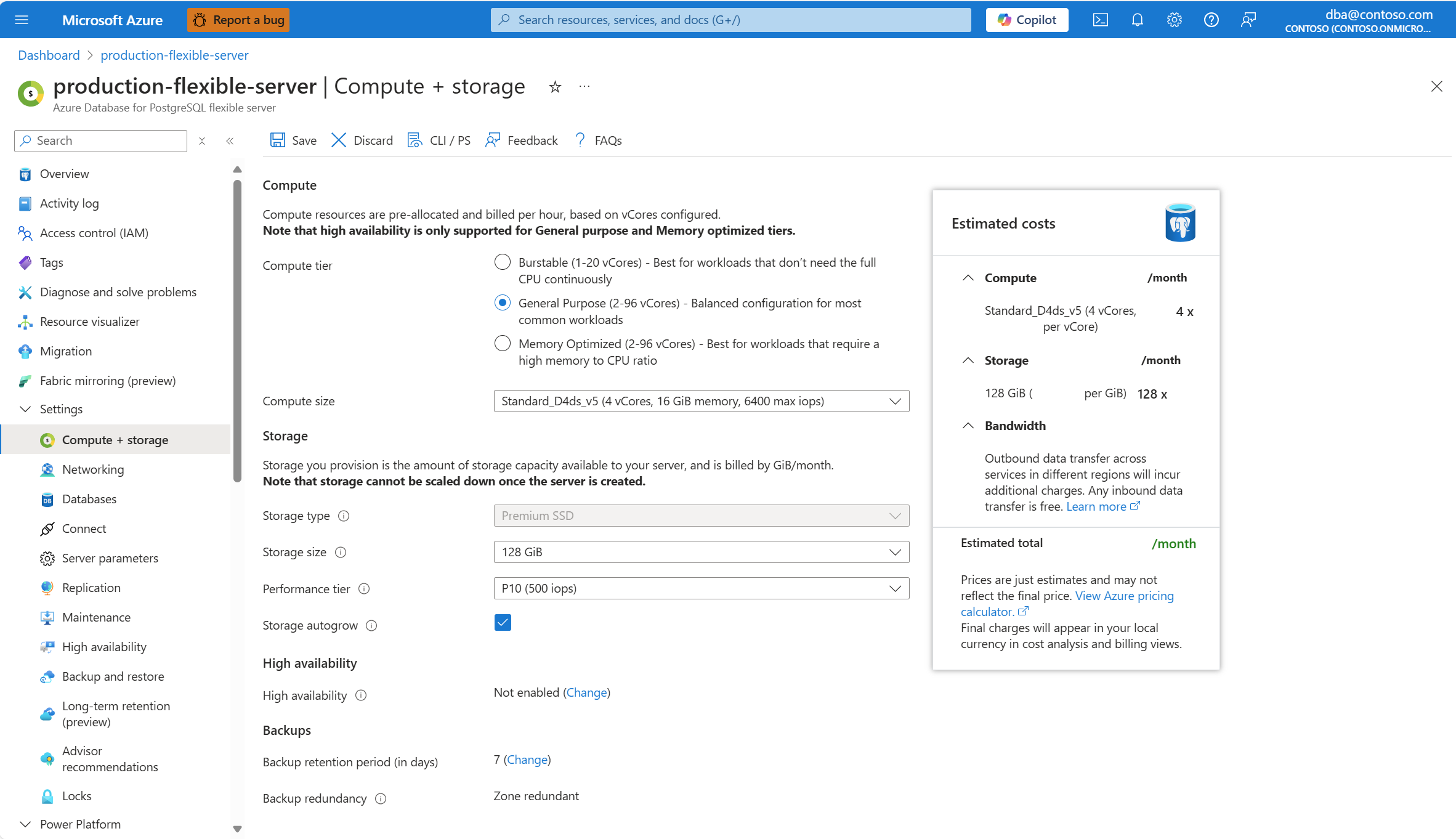
Select Save to apply the changes.
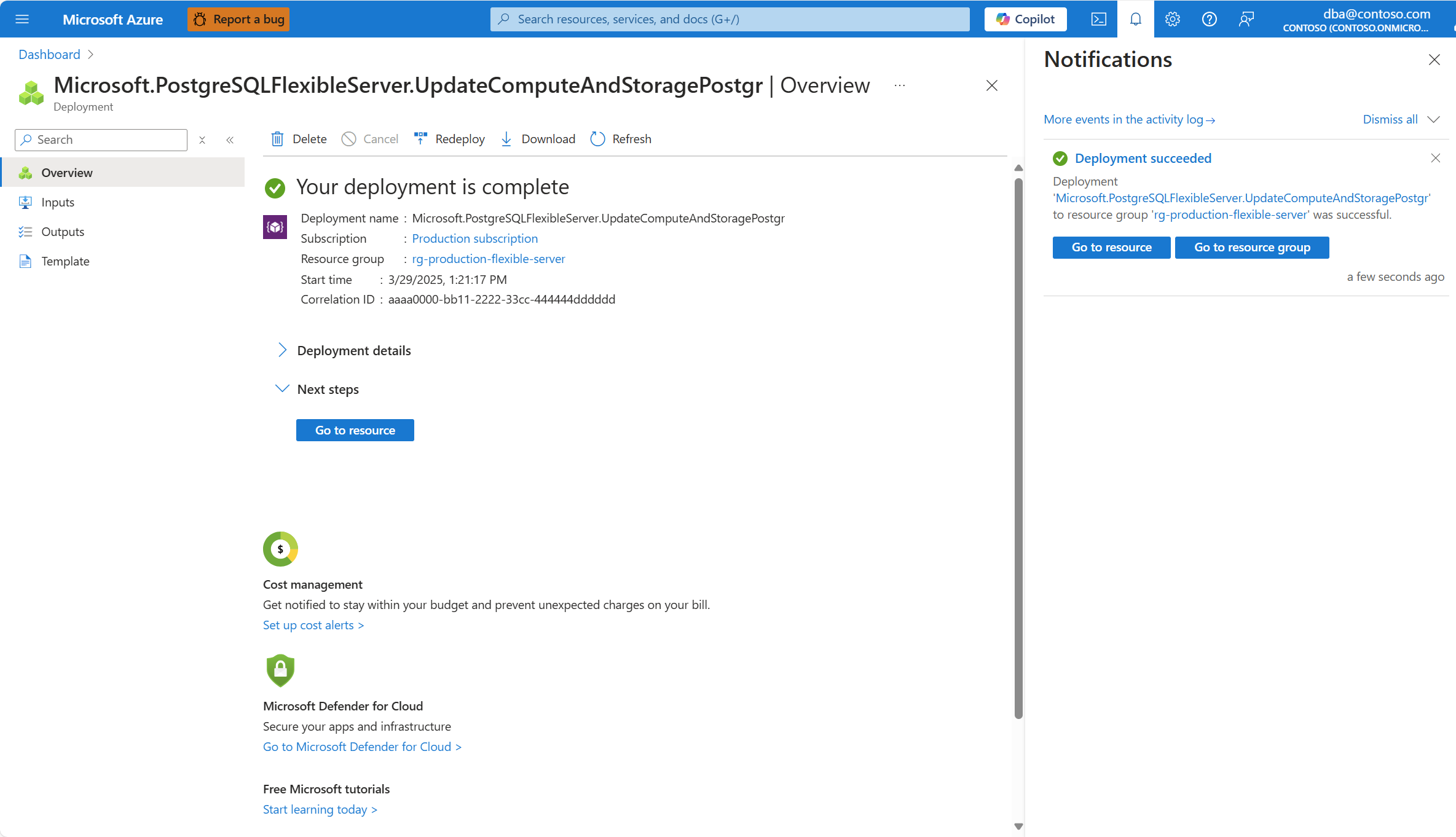
A deployment initiates and, when it completes, a notification shows that autogrow is successfully enabled.
Steps to disable storage autogrow for existing servers
Using the Azure portal:
Select your Azure Database for PostgreSQL flexible server instance.
In the resource menu, under the Settings section, select Compute + storage.
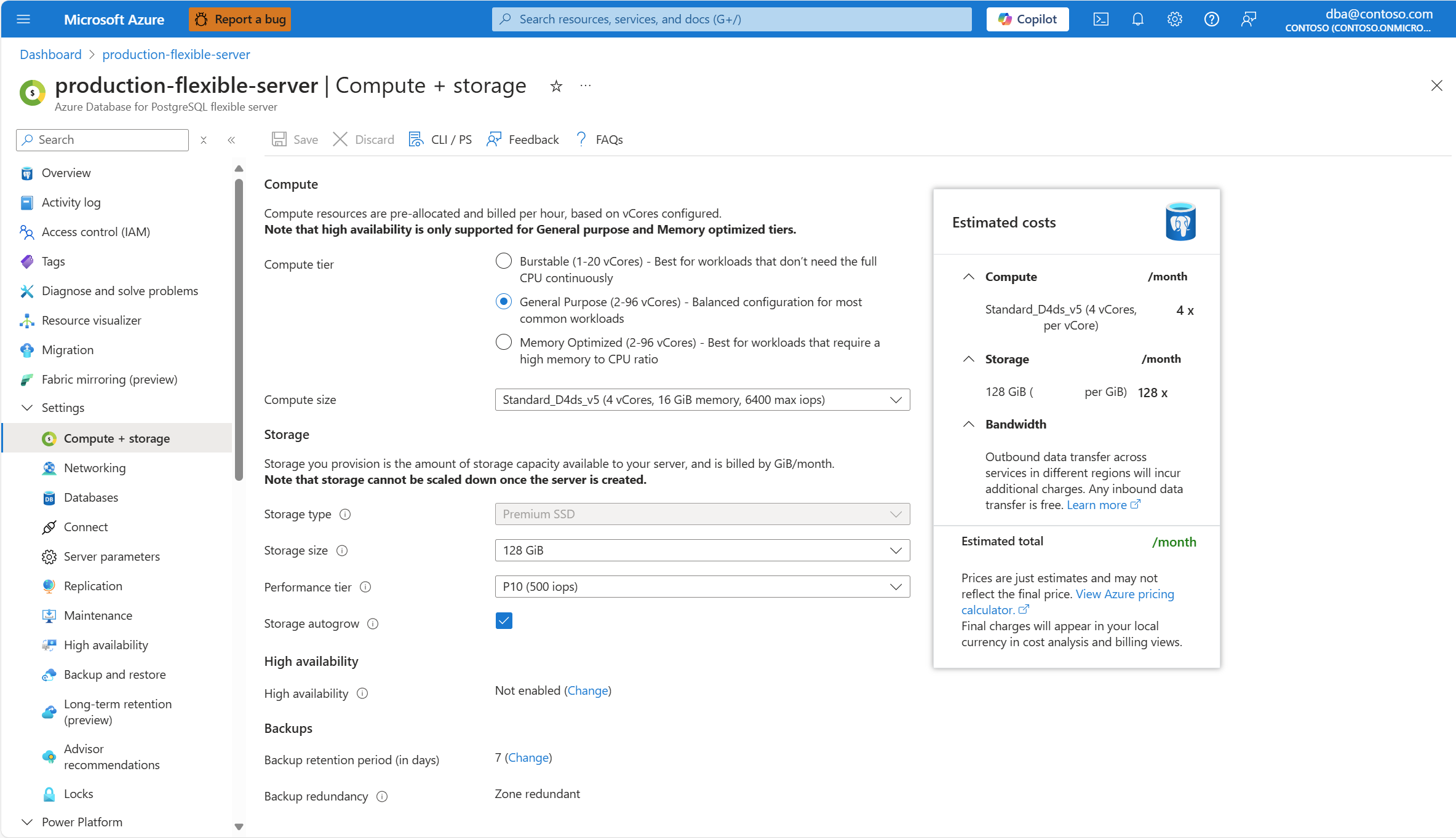
In the Storage section, enable the Storage autogrow checkbox.
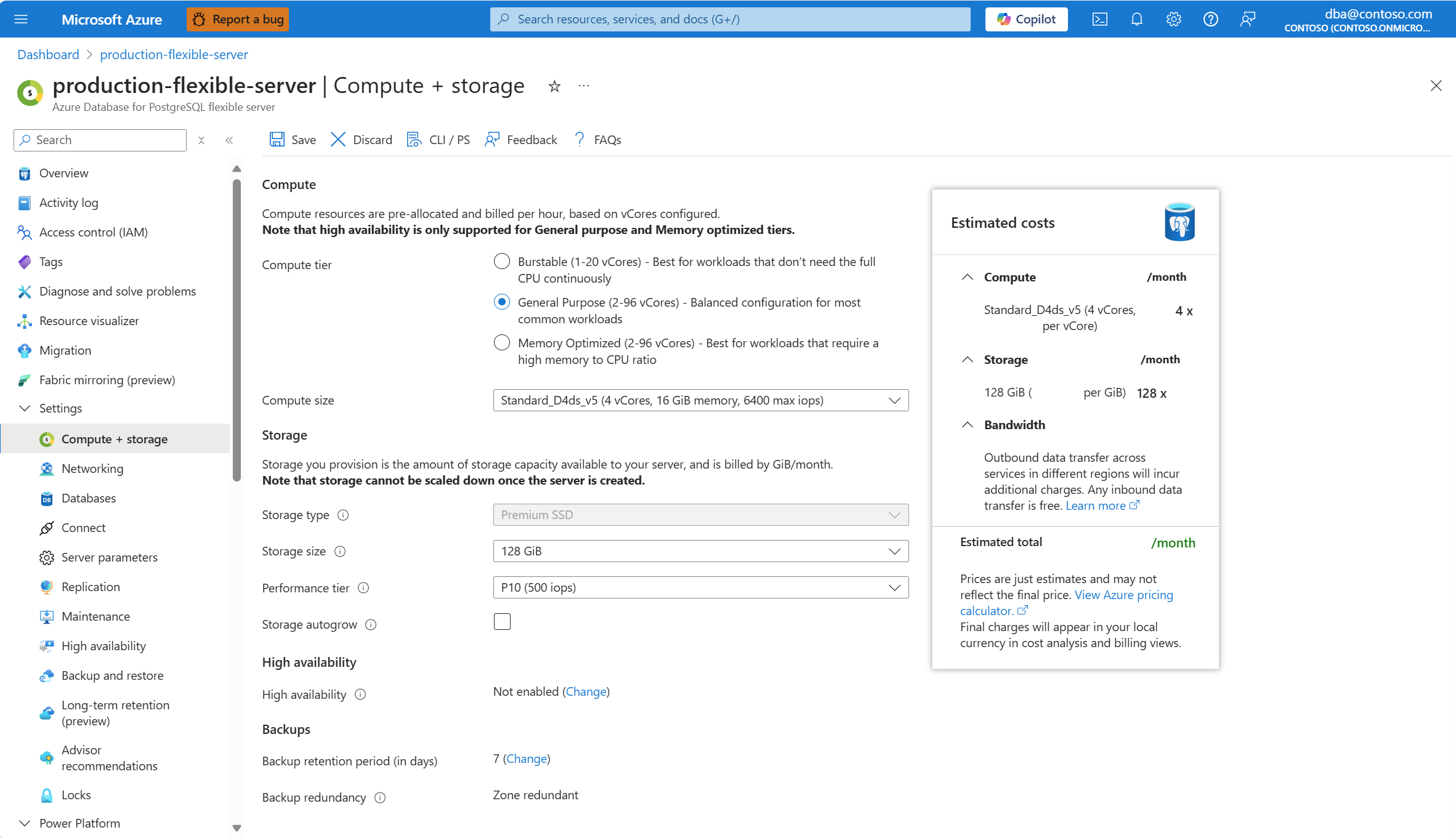
Select Save to apply the changes.
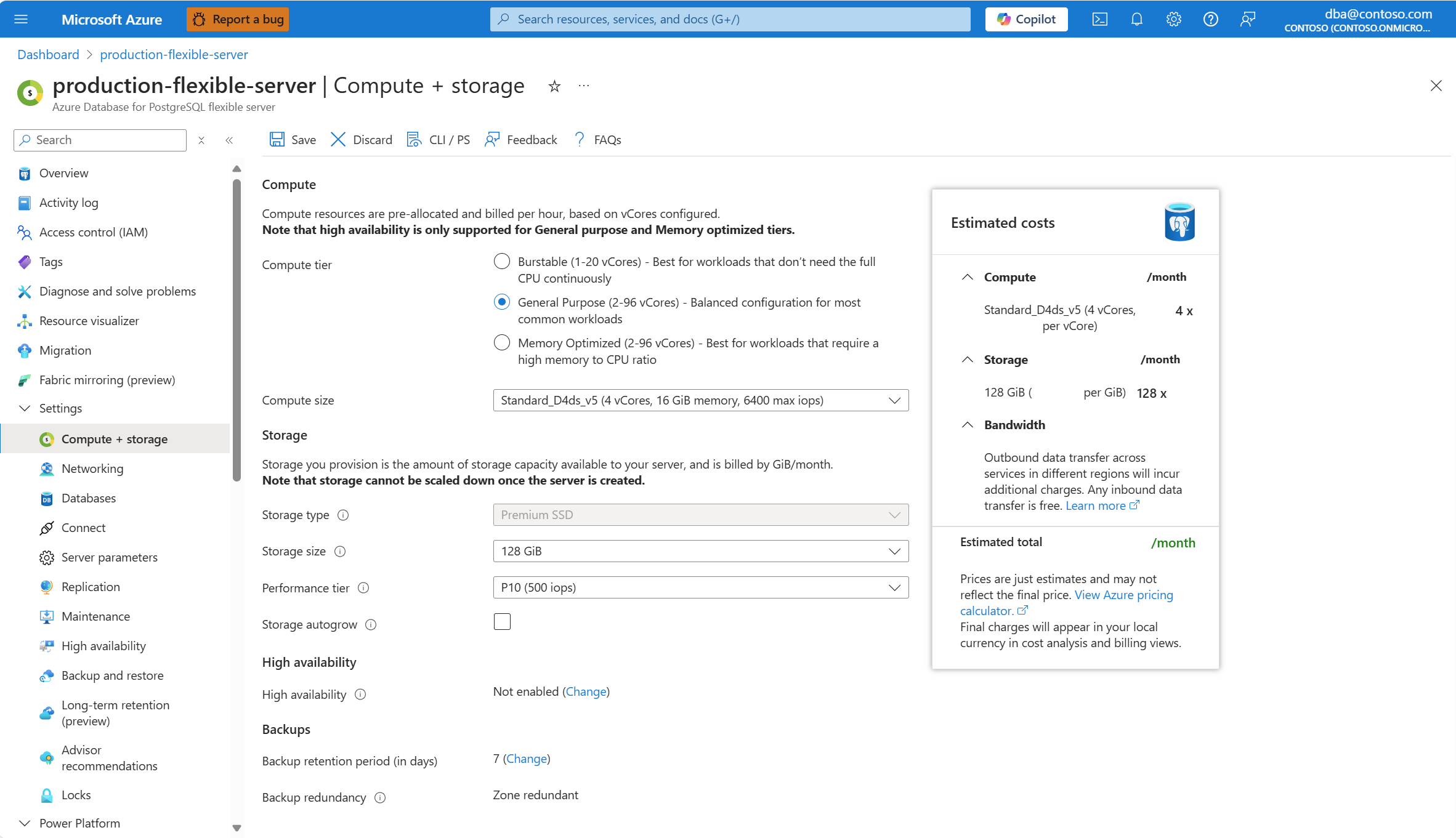
A deployment initiates and, when it completes, a notification shows that autogrow is successfully enabled.
Steps to enable storage autogrow during server provisioning
Using the Azure portal:
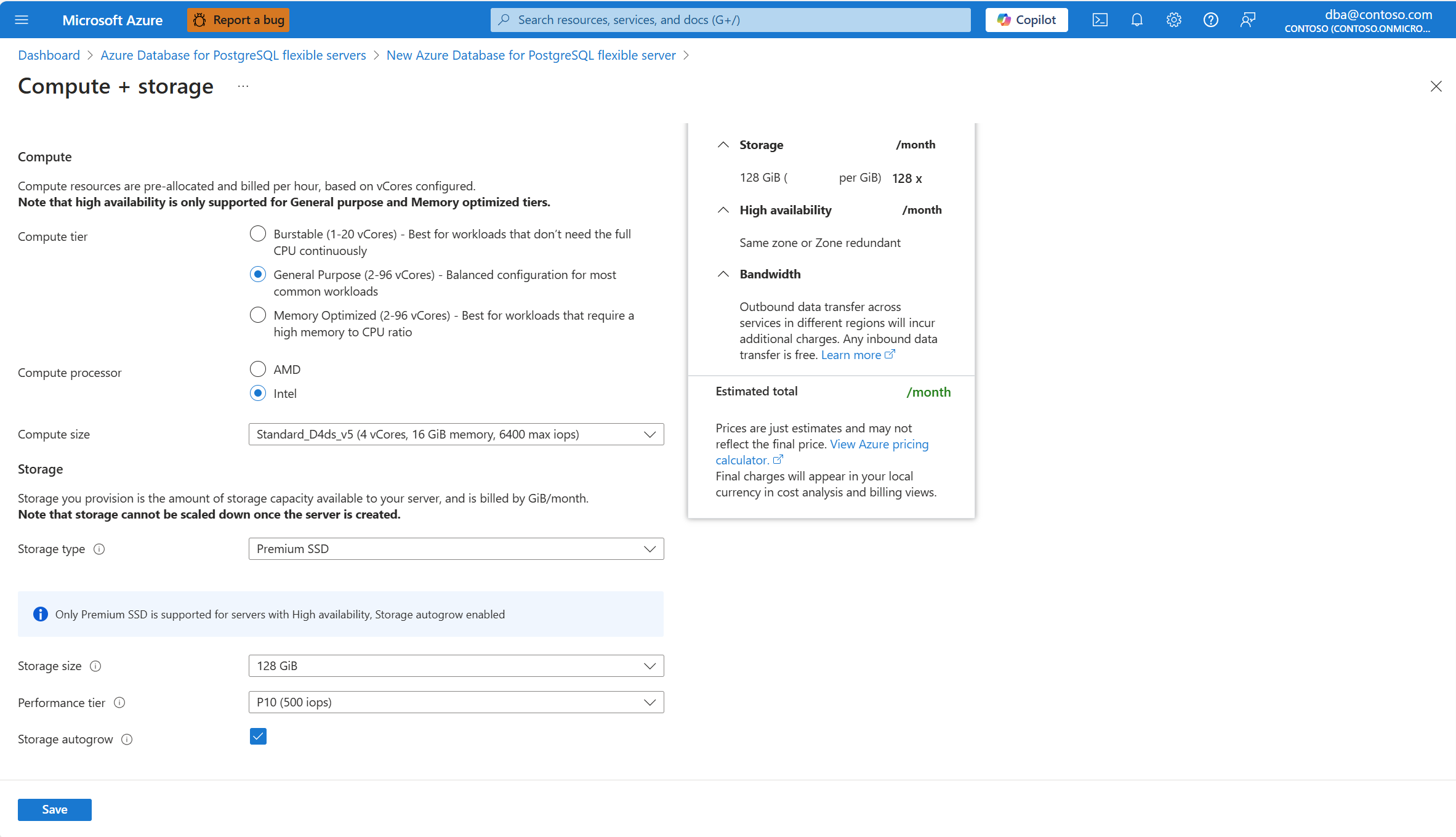
During provisioning of a new Azure Database for PostgreSQL flexible server instance, in the Compute + storage section, select Configure server.
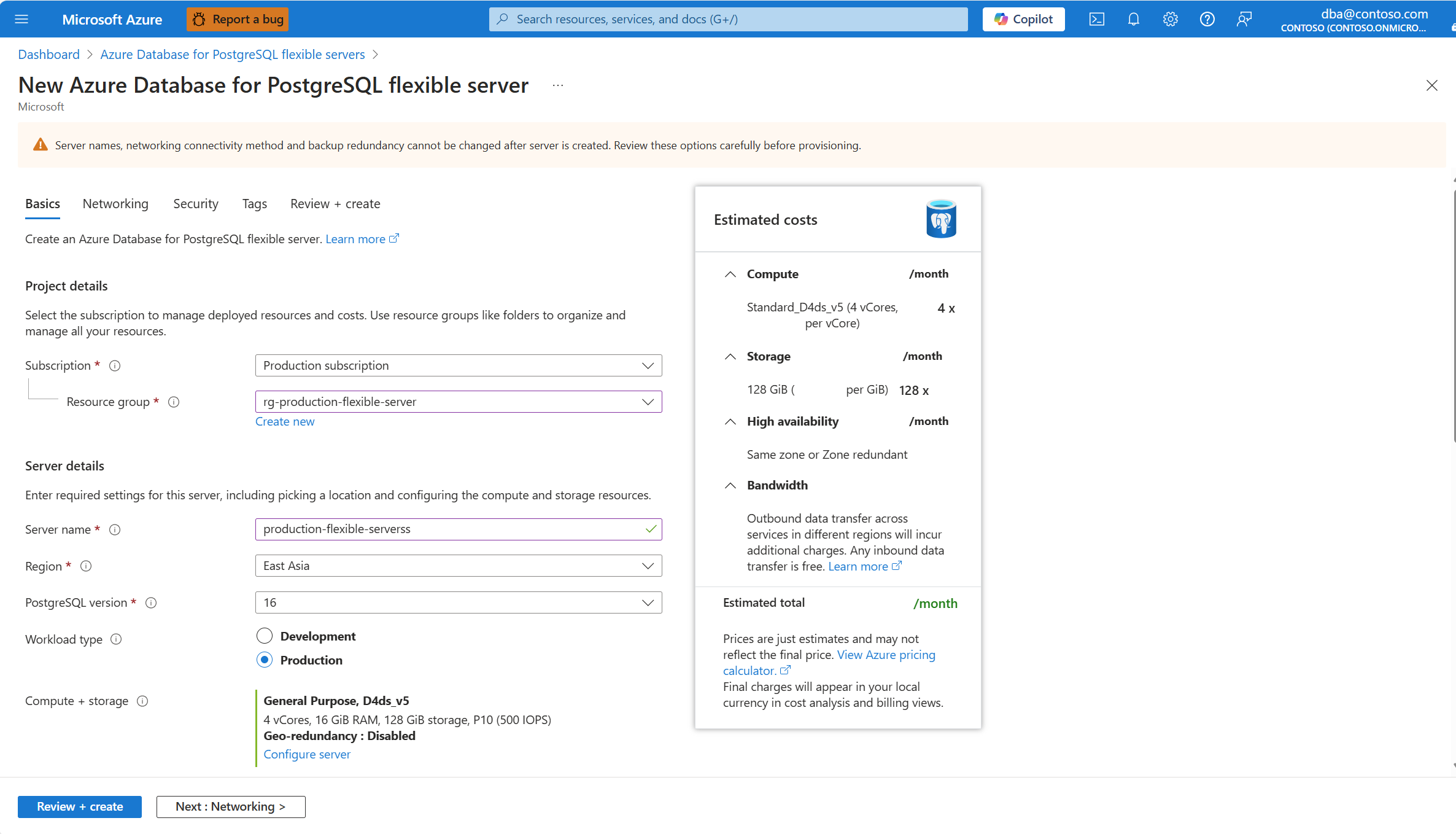
In the Storage section, enable the Storage autogrow checkbox.
Limitations and considerations
Autogrow activates when available space is less than 10% of total provisioned storage or 64 GiB, whichever is greater.
The autogrow feature only supports scaling up. It doesn't reduce storage size automatically.
Frequently asked questions (FAQ)
**Q. Does autogrow work with high WAL usage?
A.No, it doesn't trigger in that case.
Q. Does autogrow cause downtime?
A. No, it relies on online disk scaling.